






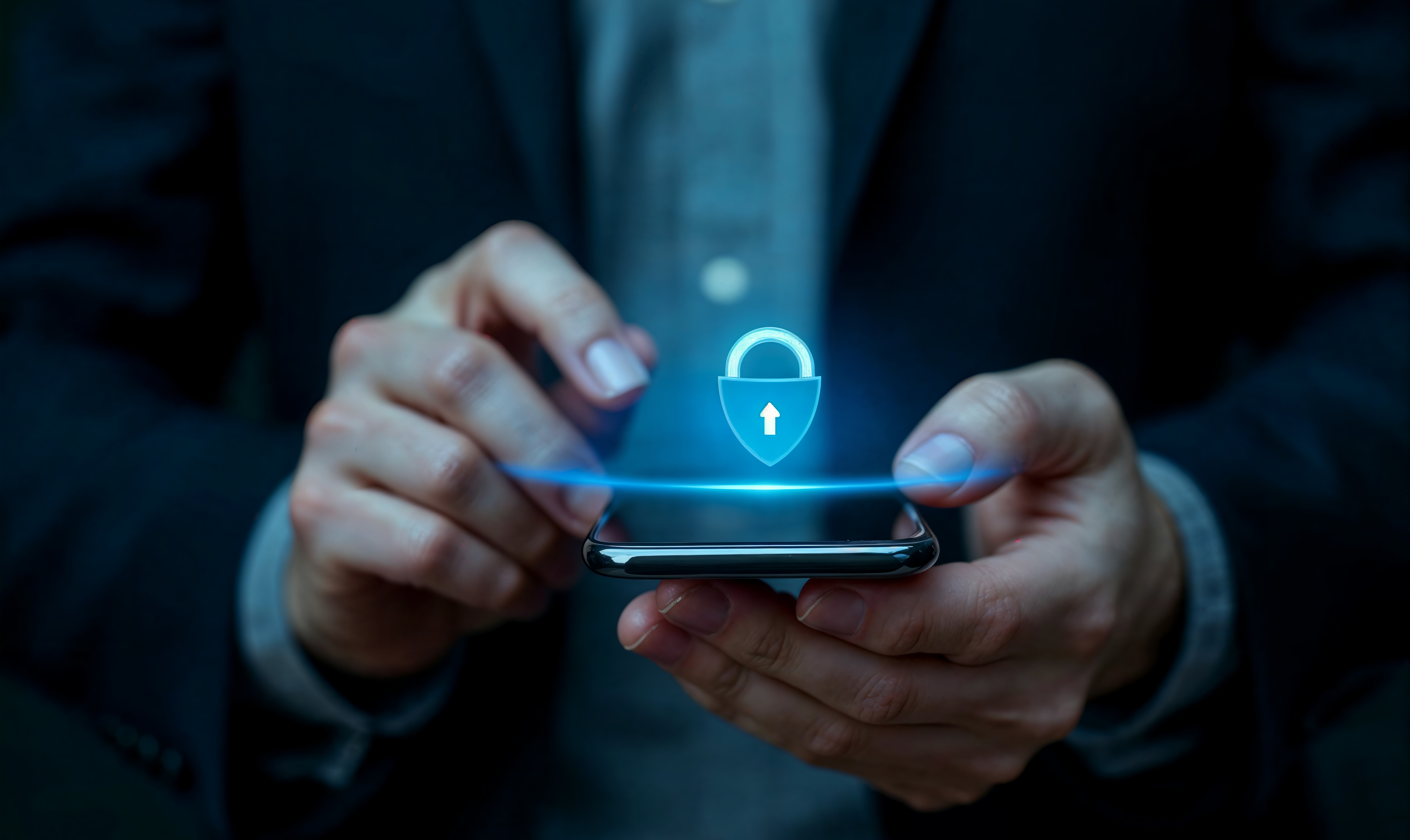
5 Small Digital Habits That Could Put Your Personal Data at Risk Without You Knowing
If you use your smartphone every day to work, shop, communicate, or access online services, there is one thing you may not always think about: the security of your personal data. Your name, phone number, email address, account information, and financial details are now part of many digital activities. But risks to your personal data do not always come from sophisticated cyberattacks. Sometimes, they start with simple digital habits that we overlook every day. Using the same password across multiple accounts, clicking unfamiliar links, or sharing too much information online may seem harmless. However, these habits can increase your exposure to scams and unauthorized access.
Now, We will discover 5 common digital mistakes that could put your personal data at risk and simple ways to protect accounts and information.
5 Digital Mistakes You Should Avoid
1. Using the Same Password for Multiple Accounts
Using one password for multiple accounts may be convenient, but it can increase the risk if that password is compromised. If the same password is used for your email, social media, and other services, one compromised account could put others at risk. What can you do?
- Use different passwords for important accounts.
- Create long and difficult to guess passwords.
- Consider using a password manager.
One compromised account should not become a gateway to your other accounts.
2. Sharing Too Much Personal Information
Social media makes it easy to share photos, locations, birthdays, workplace details, and daily activities. While these details may seem harmless individually, combining them can reveal more information about you than you realize. Before sharing something online, ask yourself:
“Does this information really need to be public?”
Avoid sharing sensitive information such as passwords, OTP codes, identity documents, or financial details. Think before you share. A little privacy can go a long way.
3. Clicking Links Without Checking
Messages such as:
“Your account will be blocked soon.”
“Confirm your payment now.”
“Congratulations! You have won a prize.”
may be designed to create urgency and encourage you to act quickly. This is one of the common tactics used in phishing.
Before clicking a link:
- Check the sender's address.
- Review the website URL.
- Be cautious of unexpected attachments.
- When in doubt, visit the official website directly.
Do not let urgency replace verification.
4. Ignoring Software Updates
Software updates are easy to postpone, especially when your device is still working normally. However, updates are not only about new features. They can also include bug fixes and security improvements.
Make it a habit to:
- Keep your operating system updated.
- Enable automatic updates when available.
- Download applications from official sources.
- Pay attention to security notifications.
5. Being Careless When Using Public Wi-Fi
Public Wi-Fi is convenient when you are at a café, airport, hotel, public transportation or other public location. While using public Wi-Fi does not automatically mean your data is unsafe, you should still be cautious of unfamiliar networks, fake hotspots, and unsecured websites. When using public Wi-Fi:
- Verify the network before connecting.
- Make sure websites use HTTPS.
- Avoid entering sensitive information on suspicious websites.
- Consider using mobile data for highly sensitive activities.
Convenience should never come at the expense of security.
How Can You Protect Your Personal Data?
Protecting your personal information does not always require advanced technical knowledge.
Start with a few simple habits:
- Enable Multi Factor Authentication
MFA adds an additional layer of protection beyond your password.
- Think Before You Share
Only provide personal information when it is necessary and you trust the recipient.
- Check Before You Click
Verify unexpected links and attachments before opening them.
- Keep Your Devices Updated
Regular updates help provide the latest security improvements.
Build Safer Digital Habits
Technology continues to make our lives easier. But as more activities move online, understanding how to use technology safely becomes increasingly important. You do not need to be a cybersecurity expert to start protecting your personal data. Use unique passwords. Limit the information you share. Check before clicking. Keep your devices updated. Because digital security is not only about the technology we use. It is also about how responsibly we use it.
Build Digital Solutions with Security in Mind
For businesses, data security is about more than protecting information. It is also about maintaining customer trust and business continuity.
SOLU helps businesses develop technology solutions tailored to their needs, from websites and applications to enterprise systems. By combining business needs, technology, and user .experience, SOLU helps businesses build digital solutions designed to support growth and evolving digital needs.
Let's discuss your business's digital needs with SOLU.
Share:

Request A Call Back
Your next big leap starts with a simple conversation, let's sparks the next big idea together
